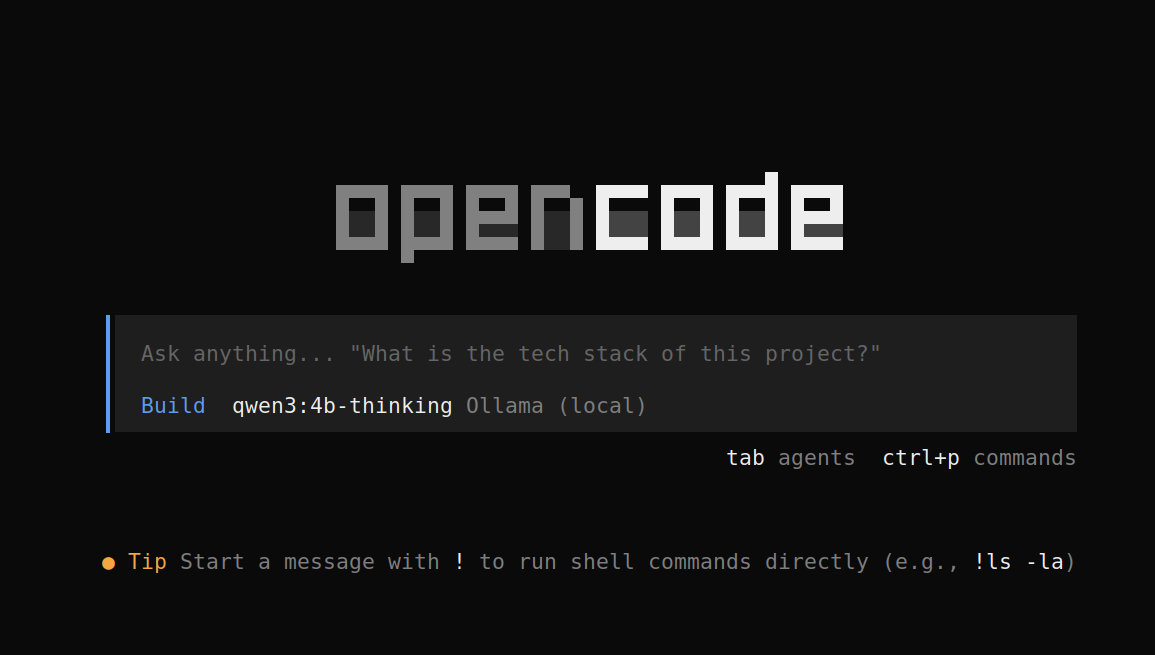
Claude Code之类的工具其实也能用本地模型,但我不太喜欢这家公司,正好遇到一个开源平替 OpenCode,也能搭配 Ollama 使用,从而实现完全本地的编程辅助。
最近一段时间,连经典的老派程序员楷模明哥,都开始利用 OpenCode 来尝试 Vibe Coding,用 AI 来辅助编写代码,所以有必要给大家分享一下这个 OpenCode + Ollama 的简单配置过程。
安装 OpenCode 和 Ollama
首先是安装 OpenCode 和 Ollama,如果你用的也是Linux系统,可以直接使用命令安装:
# 安装 OpenCode
curl -fsSL https://opencode.ai/install | bash

# 安装 Ollama
curl -fsSL https://ollama.com/install.sh | sh
如果用的是Windows系统,可以直接用npm来安装:
npm i -g opencode-ai
或者也可以从官网下载安装包,然后手动安装。
至于Ollama,可以从官方网站下载安装包进行安装。
配置本地模型
接下来是配置本地模型,OpenCode 支持多种模型,包括本地模型,所以我们可以直接使用本地模型。
首先要获取一个模型,比如 qwen3:4b-thinking:
ollama run qwen3:4b-thinking
获取了本地模型之后,就可以通过 ollama 启动 OpenCode,然后选择模型进行配置。
# 通过 Ollama 启动 OpenCode
ollama launch opencode
# 只生成配置而不启动
ollama launch opencode --config
这样启动了OpenCode之后,会看到模型选择界面:
$ ollama launch opencode --config
Select models for OpenCode:
  >  [x] qwen3:4b-thinking (default)
     [ ] alibayram/medgemma:27b
     [ ] alibayram/medgemma:4b
     [ ] alibayram/monkeyOCR-Recognition:latest
     [ ] all-minilm:22m
     [ ] all-minilm:33m
     [ ] amsaravi/medgemma-4b-it:q8
     [ ] bge-large:335m
     [ ] bge-large:latest
     [ ] bge-m3:567m
  ... and 124 more

    [ Continue ] (1 selected) - press Tab

# 上下选择模型,按 Enter 确认,然后按 Tab 键继续
然后,会询问你是否确认修改配置文件,按 y 确认:
$ ollama launch opencode --config
This will modify your OpenCode configuration:
  /home/fred/.config/opencode/opencode.json
  /home/fred/.local/state/opencode/model.json
Backups will be saved to /tmp/ollama-backups/

Proceed? (y/n)

# 确认修改配置文件,按 y 确认

Added qwen3:4b-thinking to OpenCode

Launch OpenCode now? (y/n)

# 确认启动,按 y 确认
然后就可以使用本地模型了。